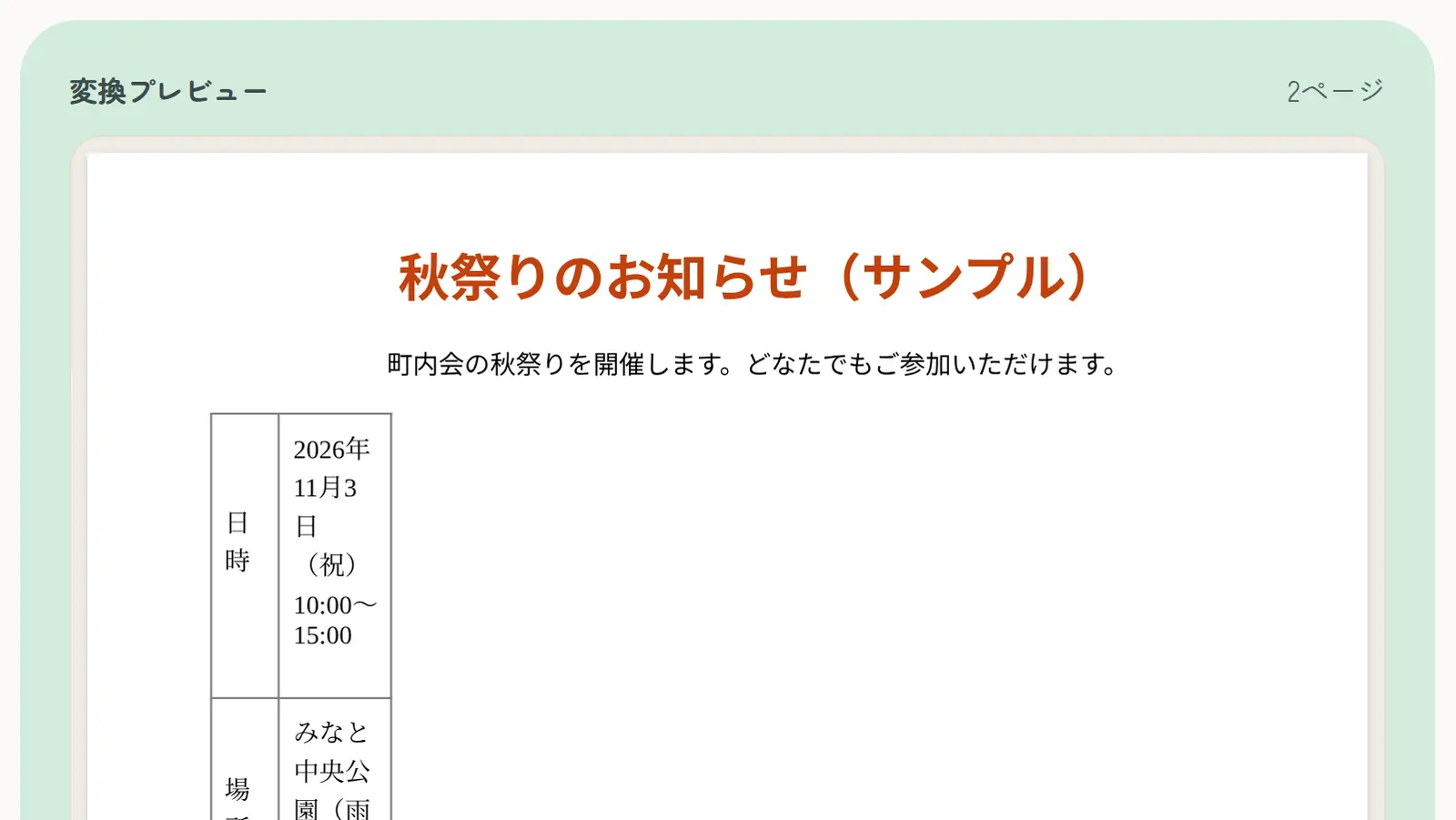
The most common cause is fonts. If the device doing the conversion doesn’t have the fonts used in the document, similar fonts are used instead, character widths change, and line and page breaks move. Japanese documents are especially affected: résumé (rirekisho) templates often use Japanese fonts such as MS Mincho or Yu Gothic, which most phones and many non-Japanese computers don’t have.
Convert on the computer where you wrote it
Saving the PDF from Word on the computer you wrote the document on embeds the fonts as they are, so almost nothing shifts. Use this for the final version you submit when you can.
Always check the result
With other methods, check that no single line has spilled onto a new page and that table borders still line up. If something shifts, tightening the line spacing or margins slightly in Word often fixes it.
Save old “.doc” files as “.docx”
Some methods don’t support the “.doc” format from Word 2003 and earlier. Open the file in Word and save it as “Word Document (.docx)” first.