- Reading scanned books or manga one page at a time on a phone, tablet or e-reader
- Turning textbooks or documents scanned as spreads into single-page PDFs
- Turning A3 handouts into two A4 pages
When you need to split spreads
Mind the order: manga and vertical Japanese books go right to left
Japanese books written vertically and manga are bound on the right and read from the right-hand page. If you put the left page first when splitting, the pages end up swapped.
Horizontal text, documents and most Western books are bound on the left, so the left page comes first. Check which kind you have before splitting.
Ways to split spreads
The free Adobe Acrobat Reader and Mac Preview can’t split spreads automatically.
| Method | Cost | Effort | Best for |
|---|---|---|---|
| Adobe Acrobat Pro | Paid | Duplicate each page and crop each half | You have Acrobat Pro and few pages |
| Your scanner’s software | Depends | Set it when scanning | Future scans, if your scanner has the option |
| This site’s Split Two-Page Scans | Free | Splits every spread at once | Splitting existing scans in manga or book order |
Splitting spreads in your browser (no upload)
This site’s Split Two-Page Scans splits every spread into left and right pages at once, on Windows, Mac, iPhone or Android. Your PDF is never uploaded.
- Open Split Two-Page Scans and choose your PDF
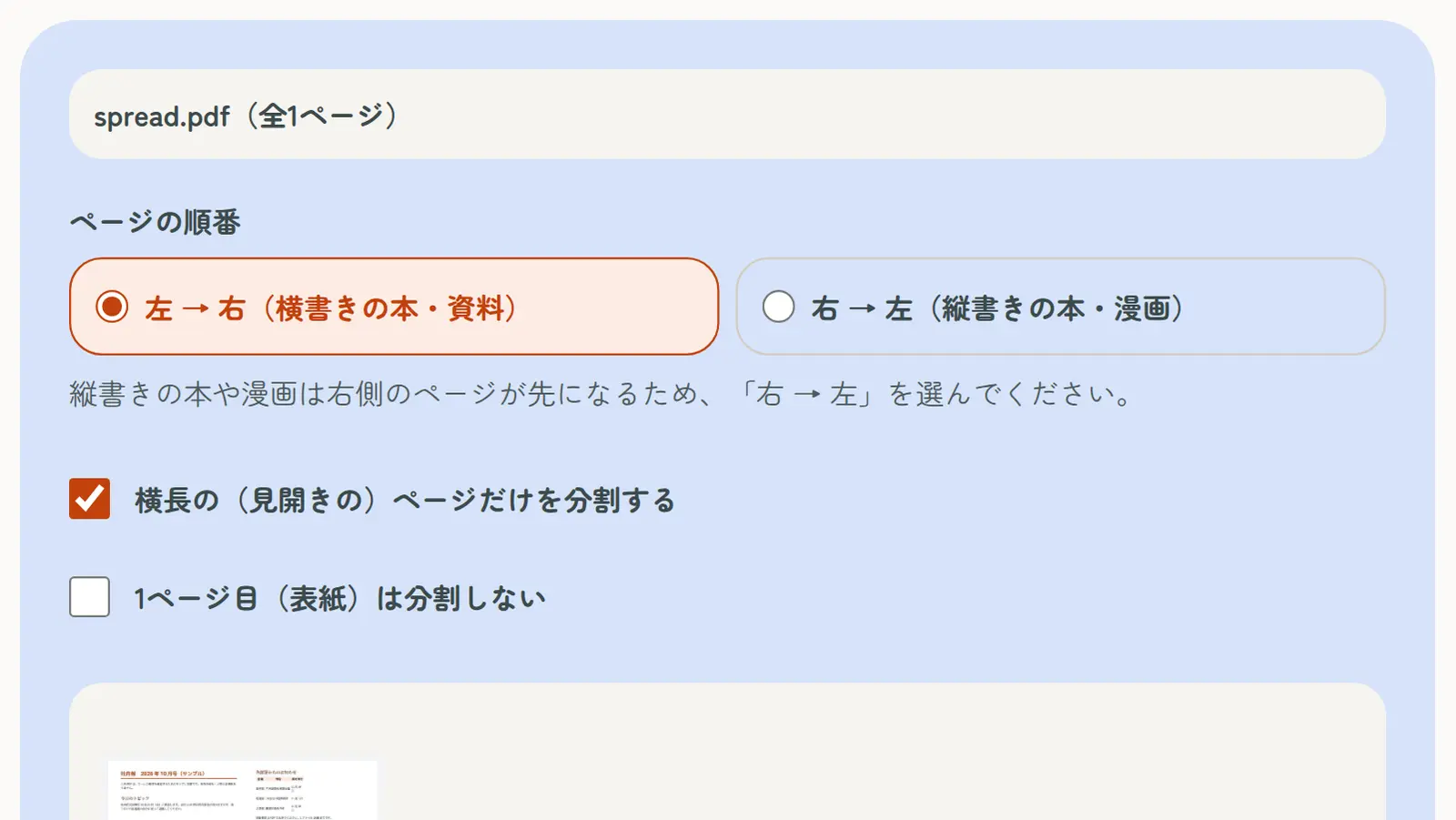
- Choose the order: “Right → left” for manga and vertical Japanese books, “Left → right” for most books and documents
- If only the cover is a single page, tick “Don’t split the first page (cover)”; if portrait pages are mixed in, tick “Only split wide (two-page) pages”
- Tap “Split pages in half”, check the preview and download
Turning A3 into two A4 pages
Each half of a landscape A3 page is the size of a portrait A4 page. Splitting A3 handouts or scans “Left → right” gives you A4 pages you can print on A4 paper.
Making the split PDF easier to read
- Trim scanner margins and shadows with Crop PDF so pages fill the screen
- Fix sideways pages with Rotate PDF
- Shrink large files with Compress PDF so they fit on your phone
- Make the text searchable with OCR (vertical Japanese text is supported)