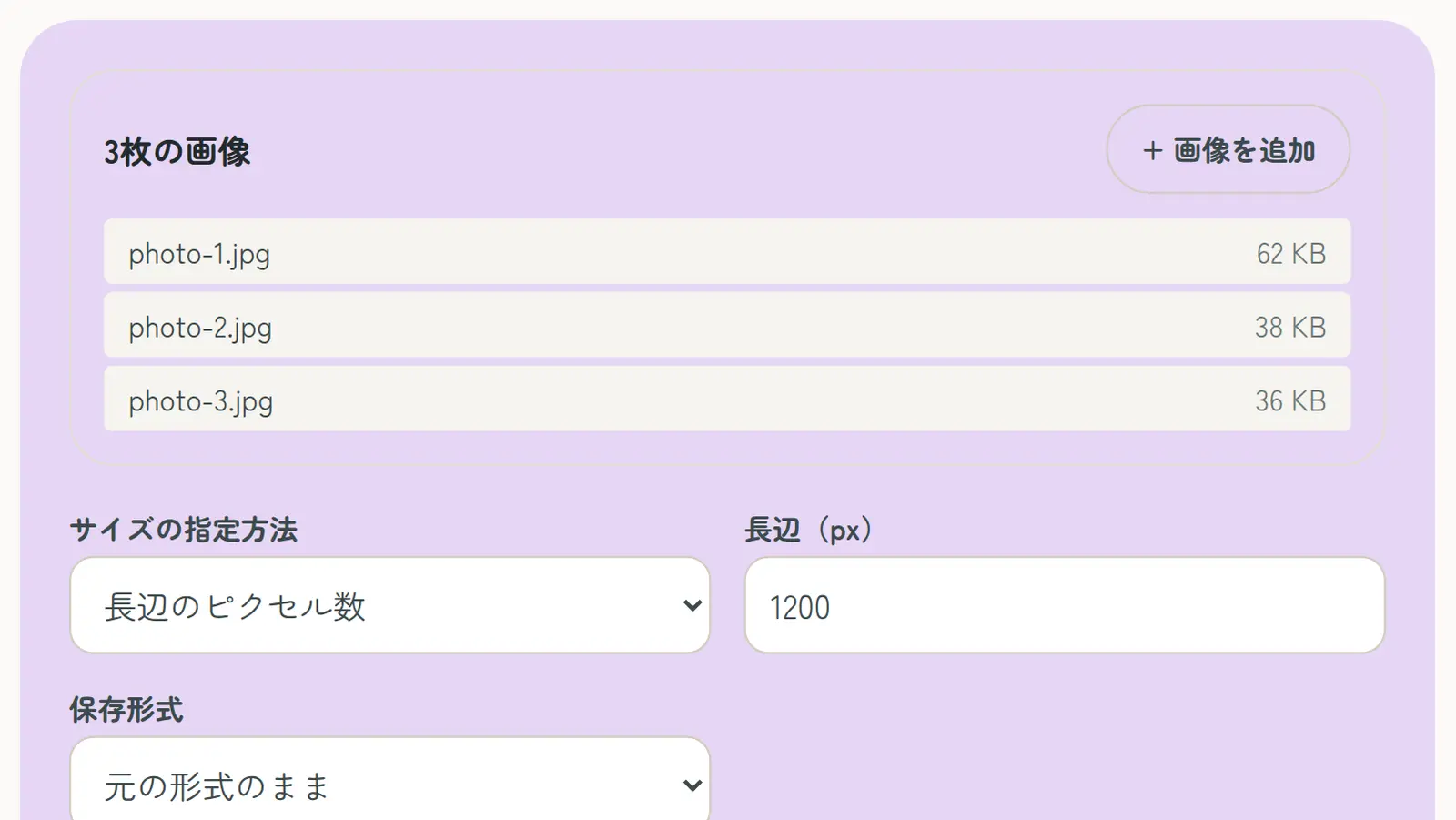
This site’s Resize Images resizes many images at once on Windows, Mac, iPhone or Android, including iPhone HEIC photos. Your images are never uploaded.
- Open Resize Images and choose your images (several at once is fine)
- Choose how to set the size: longest side in pixels, width and height, or percentage
- Enter the numbers and choose the format (same as original, JPG, PNG or WebP)
- Tap “Resize images” and download them one by one or as a ZIP
When portrait and landscape photos are mixed, “Longest side in pixels” gives every photo the same long side, which keeps sizes consistent. Resized images don’t keep Exif data such as location.