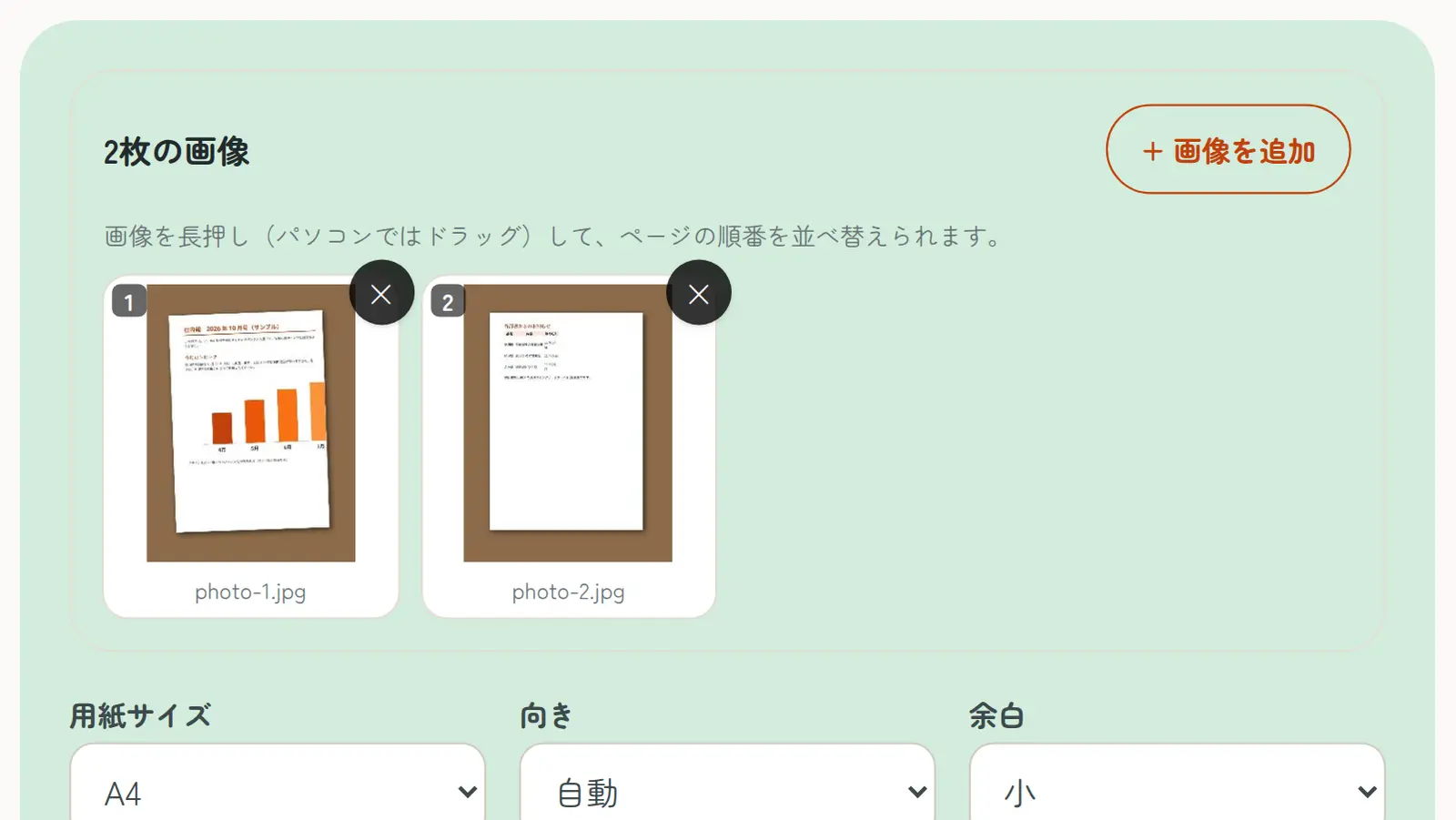
On Windows, the built-in “Microsoft Print to PDF” printer saves photos as a PDF.
- Select the photos in File Explorer (you can select several)
- Right-click and choose “Print” (on Windows 11 it’s under “Show more options”)
- Choose “Microsoft Print to PDF” as the printer, then the paper size and layout
- Click “Print” and choose where to save the file
Selecting several photos creates one PDF, but setting the page order is awkward, and parts of a photo can get cut off.