Here’s what each device can do with its built-in features:
The free Adobe Acrobat Reader has no merge feature. Merging in Acrobat needs paid Acrobat Pro, and Adobe’s online tool uploads your files to its servers.
Japanese visa, job and school applications often ask you to upload all your documents as one PDF. The free Adobe Acrobat Reader can’t merge PDFs, though, and the built-in options differ by device. This guide shows how to merge PDFs on Windows, Mac, iPhone and Android without buying software.
Use Merge PDFFree, no sign-up. Your files stay on your device.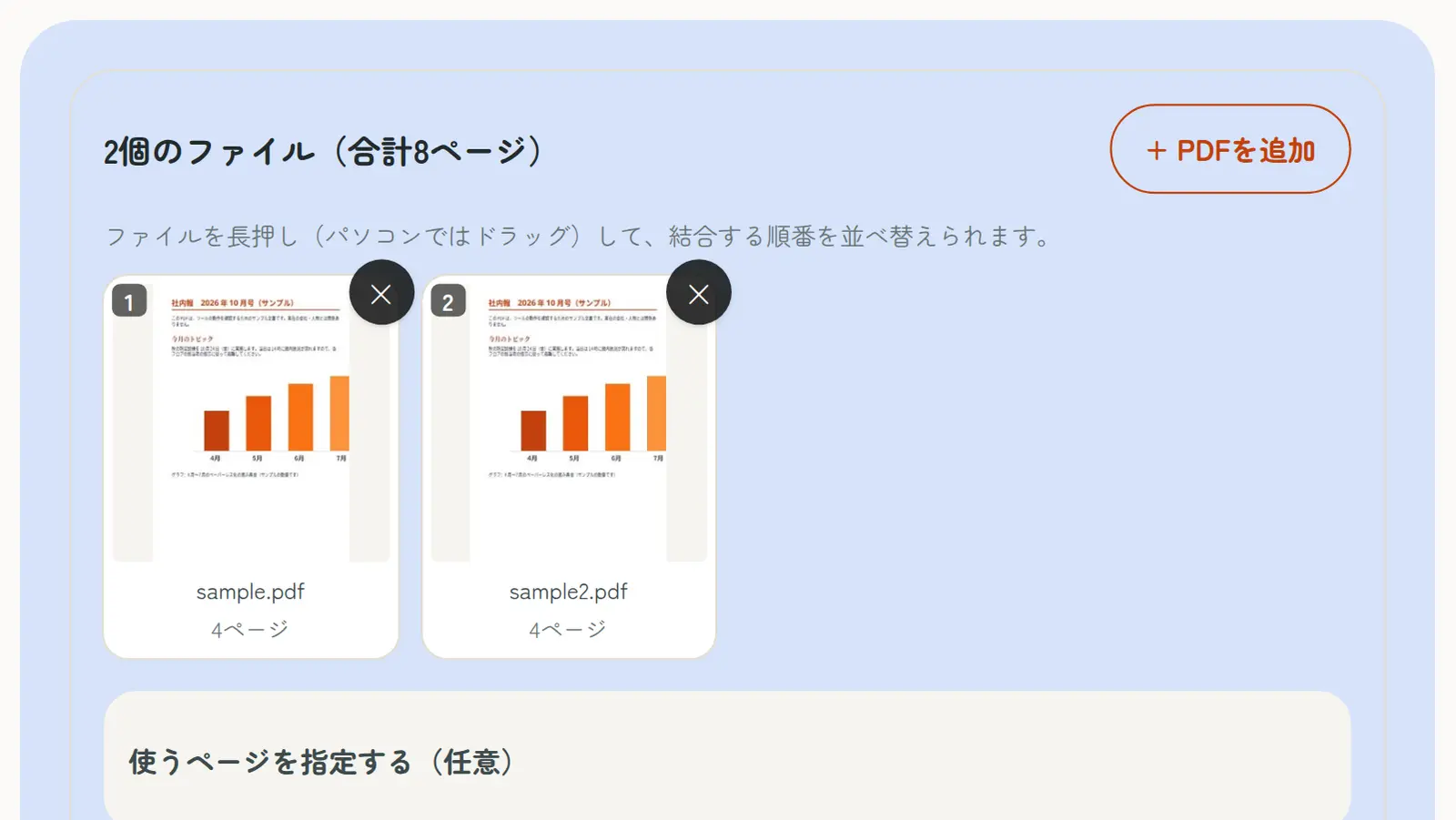
Here’s what each device can do with its built-in features:
The free Adobe Acrobat Reader has no merge feature. Merging in Acrobat needs paid Acrobat Pro, and Adobe’s online tool uploads your files to its servers.
| Device | Built-in option | Set the order | Pick pages |
|---|---|---|---|
| Windows | None | – | – |
| Mac | Preview | Yes | Yes (delete unwanted pages) |
| iPhone / iPad | Files app “Create PDF” | Follows the file list | No |
| Android | None | – | – |
| Our Merge PDF tool | Works in any browser | Yes | Yes |
Windows and Android have no built-in way to merge PDFs. You can install software or an app, but a browser tool works right away with nothing to install.
Our Merge PDF tool never uploads your files; it merges them on your device. Pages are copied as they are, so quality doesn’t change and text, including Japanese, stays selectable and searchable.
On a Mac, you can merge with the built-in Preview app:
To avoid changing the original, duplicate the first PDF before you start.
On iPhone and iPad, select several PDFs in the Files app, tap “…” and choose “Create PDF” to combine them.
It’s quick, but the order follows the file list and you can’t pick pages. To set the order or use only some pages, open our Merge PDF tool in Safari; it works the same way as on a computer.
Remove the password or editing restrictions first with Unlock PDF.
Only PDFs can be merged. Turn photos into a PDF with JPG & PNG to PDF, and Word files with Word to PDF, then merge them.
Merging several scanned PDFs makes a large file. Japanese online applications often have strict upload limits, so compress the merged PDF to fit.
Use Reorder PDF Pages to change the page order, Delete PDF Pages to remove pages you don’t need, and Rotate PDF to fix sideways pages.
A. No. Merging needs paid Acrobat Pro. To merge for free, use Preview on a Mac or our Merge PDF tool.
A. No. You need to install software or use a browser-based tool.
A. Select the PDFs in the Files app and tap “…” → “Create PDF”. To set the order or pick pages, open Merge PDF in Safari.
A. Not with our Merge PDF tool: pages are copied as they are.
A. Not with our Merge PDF tool. Files are processed on your device and never sent to a server.
A. Use Compress PDF to fit the upload limit.